How CES devices can help you with your next event
Ah, the Consumer Electronics Show. The good old CES. It’s the show where nerds of all types look to Vegas to see what kind of new, fun tech toys will be coming into the consumer world in the coming year.
This year, there were a lot of new devices and different gadgets and interesting tech launched at the event (have you seen how small they can make computers now? It’s insane) but these were the things that caught our interest:
Lenovo Smart Assistant
 The Smart Assistant is another in a line of voice activated, smart speaker assistants like the Amazon Echo and the Google Home. The idea amongst these is fairly simple: a speaker connected with a smart computer device that you can activate by your voice and use it to manage day-to-day tasks. The different assistants can manage anything from purchasing items for you (Amazon Echo does this really well), to streaming music (Google Home has this down with a ton of YouTube playlists) to managing your calendar (Lenovo Smart Assistant seems to have a handle on your calendar and updates really well), these small devices make it easier for you to get things done and set reminders by just using your voice.
Great, I can hear you saying to me in a fairly intoned bored voice. But what does this have to do with events and event management?
Well that’s the beauty of this device. IoT devices and smart assistants make streamlining your life so much easier. Let’s say you’re throwing a fundraiser for your local animal shelter and you’ve got an Amazon Echo in your home. Like many fundraisers, you’re probably trying to put the event on and raise money by yourself. With just your voice you can set your Echo to remind you about sending out email blasts, to book the location, to call about the food truck showing up, to verify with volunteers the right location. You can even set up your assistant to purchase extra dog shampoo and towels, all while you’re busy working on other parts of the event (like the budgeting. Ugh.)
Are there other ways of setting reminders? Sure there are. But I’m never able to remember to write something down when inspiration strikes me at that moment and half the time if I remember to write it down, I won’t remember where I left it. Having a smart assistant makes that a lot easier AND saves on paper. It’s like a win, win all around.
Hover Camera
[video width="580" height="380" mp4="https://www.ticketbud.com/wp-content/uploads/2017/02/Hover-Camera-Passport-Auto-Follow-f87eeee9e3-2.mp4"][/video]
There are drones and then there are drones (pretend that you can hear the inflection there). The hover camera is a drone with a high powered sensitive camera that can follow you around. Imagine having an event and you want to go through and take pictures but having a huge camera is bulky in a music festival! Flying a drone is cumbersome and difficult and also hard with a ton of people all around you. With the Hover Camera all you need to do is walk around the music festival and the camera will take photos of everything, following along behind you at a set height.
It truly makes it so much easier to capture aerial shots of any type of event.
Qualcomm Snapdragon 835 VR
The Smart Assistant is another in a line of voice activated, smart speaker assistants like the Amazon Echo and the Google Home. The idea amongst these is fairly simple: a speaker connected with a smart computer device that you can activate by your voice and use it to manage day-to-day tasks. The different assistants can manage anything from purchasing items for you (Amazon Echo does this really well), to streaming music (Google Home has this down with a ton of YouTube playlists) to managing your calendar (Lenovo Smart Assistant seems to have a handle on your calendar and updates really well), these small devices make it easier for you to get things done and set reminders by just using your voice.
Great, I can hear you saying to me in a fairly intoned bored voice. But what does this have to do with events and event management?
Well that’s the beauty of this device. IoT devices and smart assistants make streamlining your life so much easier. Let’s say you’re throwing a fundraiser for your local animal shelter and you’ve got an Amazon Echo in your home. Like many fundraisers, you’re probably trying to put the event on and raise money by yourself. With just your voice you can set your Echo to remind you about sending out email blasts, to book the location, to call about the food truck showing up, to verify with volunteers the right location. You can even set up your assistant to purchase extra dog shampoo and towels, all while you’re busy working on other parts of the event (like the budgeting. Ugh.)
Are there other ways of setting reminders? Sure there are. But I’m never able to remember to write something down when inspiration strikes me at that moment and half the time if I remember to write it down, I won’t remember where I left it. Having a smart assistant makes that a lot easier AND saves on paper. It’s like a win, win all around.
Hover Camera
[video width="580" height="380" mp4="https://www.ticketbud.com/wp-content/uploads/2017/02/Hover-Camera-Passport-Auto-Follow-f87eeee9e3-2.mp4"][/video]
There are drones and then there are drones (pretend that you can hear the inflection there). The hover camera is a drone with a high powered sensitive camera that can follow you around. Imagine having an event and you want to go through and take pictures but having a huge camera is bulky in a music festival! Flying a drone is cumbersome and difficult and also hard with a ton of people all around you. With the Hover Camera all you need to do is walk around the music festival and the camera will take photos of everything, following along behind you at a set height.
It truly makes it so much easier to capture aerial shots of any type of event.
Qualcomm Snapdragon 835 VR
 Yes this is not a product just anyone can buy. Yes this runs at a steep $800 so it really isn't for the faint of heart (or wallet) but the things you can do with this! What makes the Snapdragon so different from current VR setups is that there is no connection to a phone or a computer, everything exists in the headset. It is all in one and the future is now! While a device like this would be completely awesome at just any kind of event (I can't imagine anyone who wouldn't want to test one of these out to be honest-- motion sick people, maybe) what this headset would be perfect for are events where you need to transport people. Are you running a home expo? Or a conference with home builders? Maybe your event-goers want a chance to fully experience the homes and see for themselves exactly how everything can look-- more than what just looking at plans on paper or a tv screen WYSIWYG CAD can be. This allows for full immersive experience without lag time.
LG Transparent 55-Inch TV
Yes this is not a product just anyone can buy. Yes this runs at a steep $800 so it really isn't for the faint of heart (or wallet) but the things you can do with this! What makes the Snapdragon so different from current VR setups is that there is no connection to a phone or a computer, everything exists in the headset. It is all in one and the future is now! While a device like this would be completely awesome at just any kind of event (I can't imagine anyone who wouldn't want to test one of these out to be honest-- motion sick people, maybe) what this headset would be perfect for are events where you need to transport people. Are you running a home expo? Or a conference with home builders? Maybe your event-goers want a chance to fully experience the homes and see for themselves exactly how everything can look-- more than what just looking at plans on paper or a tv screen WYSIWYG CAD can be. This allows for full immersive experience without lag time.
LG Transparent 55-Inch TV
 Most conferences have some form of presentation right? There is the set-up most of us are familiar with: a podium, a dais and a bunch of bulky, ugly screens. This is different. This is cool and completely futuristic and frankly we want 12 in our house right now. This screen is transparent, allowing anyone to see through it when it is not projecting and then for it to me semi-opaque when it is. No longer will you have huge, ugly screens blocking sight lines making it so much easier on your event attendees to see what you are saying (and to see you!)
(This post was not sponsored by Google, Amazon or Lenovo. We just really like cool things. If they want to send me a device though or sponsor us, that’s totally okay by us.)]]]]> ]]>
Most conferences have some form of presentation right? There is the set-up most of us are familiar with: a podium, a dais and a bunch of bulky, ugly screens. This is different. This is cool and completely futuristic and frankly we want 12 in our house right now. This screen is transparent, allowing anyone to see through it when it is not projecting and then for it to me semi-opaque when it is. No longer will you have huge, ugly screens blocking sight lines making it so much easier on your event attendees to see what you are saying (and to see you!)
(This post was not sponsored by Google, Amazon or Lenovo. We just really like cool things. If they want to send me a device though or sponsor us, that’s totally okay by us.)]]]]> ]]>
 Telling her no makes her want it more. And scream louder.[/caption]
But how does this have anything to do with your event and ticketing? By using discount/promo codes and access codes you can create different ticket types that are hidden from the general public and exclusive to only a select few people, making them more enticing.
To make this work, you need to understand the difference between promo codes and access codes and when to use which.
Access Codes
Access codes are exactly what they sound like: a code that you give out that allows an attendee to plug it in and see a special ticket type that wouldn’t otherwise show up. Access codes have limits on them that restrict how many tickets someone can purchase or even have many times that ticket access code can be used. This use is ideal for something like VIP tickets, which you would want to restrict the number of.
Telling her no makes her want it more. And scream louder.[/caption]
But how does this have anything to do with your event and ticketing? By using discount/promo codes and access codes you can create different ticket types that are hidden from the general public and exclusive to only a select few people, making them more enticing.
To make this work, you need to understand the difference between promo codes and access codes and when to use which.
Access Codes
Access codes are exactly what they sound like: a code that you give out that allows an attendee to plug it in and see a special ticket type that wouldn’t otherwise show up. Access codes have limits on them that restrict how many tickets someone can purchase or even have many times that ticket access code can be used. This use is ideal for something like VIP tickets, which you would want to restrict the number of.
 Access codes: the gateway to ticket exclusivity.[/caption]
 Discount Codes: Rolling back prices. But only if you've got the right code.[/caption]
 All about the codes.[/caption]
]]]]> ]]>
All about the codes.[/caption]
]]]]> ]]>
 At Ticketbud, you have the opportunity to use sub-domain’s to customize your event ticketing page. Awesome right? Absolutely, but only if you make sure to use it. Customizing your sub-domain does a lot of things:

 Having too many ticket options sounds great in theory. You offer people a lot of options so that no matter what they’re looking for, they have it right? Makes everyone happy!
Wrong.
The more ticket types you have the more difficult it is for your customer. Now, instead of deciding if they want General Admission or VIP they have to decide between multiple things and can lead to customers getting frustrated and leaving. Don’t let this happen to you.
If you have more than 5 different ticket types, look at what types of options you’re offering. Do you need to offer a 3-person group ticket, a family of 4 ticket and a family of 5 ticket? See what you can combine and what you can get rid of. Your customers will thank you.
Having too many ticket options sounds great in theory. You offer people a lot of options so that no matter what they’re looking for, they have it right? Makes everyone happy!
Wrong.
The more ticket types you have the more difficult it is for your customer. Now, instead of deciding if they want General Admission or VIP they have to decide between multiple things and can lead to customers getting frustrated and leaving. Don’t let this happen to you.
If you have more than 5 different ticket types, look at what types of options you’re offering. Do you need to offer a 3-person group ticket, a family of 4 ticket and a family of 5 ticket? See what you can combine and what you can get rid of. Your customers will thank you.

 Your Facebook page already has fans and followers, so why wouldn’t you make it so much easier for them to purchase tickets there? Our Facebook widget allows customers to purchase right there from your Facebook page or a button that will take them to your event ticketing page. Either way it makes it so much easier to convert that we think it is one of the most important things you include.
In fact, events that used the Facebook widget to sell tickets had a 14% increase in sales before the event. Earlier ticket sales means earlier money in the bank. We even made an awesome how-to guide, just click
Your Facebook page already has fans and followers, so why wouldn’t you make it so much easier for them to purchase tickets there? Our Facebook widget allows customers to purchase right there from your Facebook page or a button that will take them to your event ticketing page. Either way it makes it so much easier to convert that we think it is one of the most important things you include.
In fact, events that used the Facebook widget to sell tickets had a 14% increase in sales before the event. Earlier ticket sales means earlier money in the bank. We even made an awesome how-to guide, just click 
 You would think having a title is a no brainer but you’d be surprised how many people seem to jump past it and straight into the meat and potatoes of the event page. We don’t blame you, putting the images and tickets together is super fun but a title is necessary.
How necessary? Events with no title sell 28% fewer tickets than their titled counterparts. When an event comes up in search, the first thing displayed is the title, without that, no one knows what your event is about at first glance. Having a title also indexes your event better in Google search (all about that SEO) which, again, makes it rank higher in search results, ensuring more of your customers will come across it when they're looking for tickets. So make sure your title is descriptive but also engaging! "What Is The Death Star About" let's everyone know exactly what our event will be about and also makes it seem open and appealing to a general audience who may not know what the Death Star is.
Also it looks good.
You would think having a title is a no brainer but you’d be surprised how many people seem to jump past it and straight into the meat and potatoes of the event page. We don’t blame you, putting the images and tickets together is super fun but a title is necessary.
How necessary? Events with no title sell 28% fewer tickets than their titled counterparts. When an event comes up in search, the first thing displayed is the title, without that, no one knows what your event is about at first glance. Having a title also indexes your event better in Google search (all about that SEO) which, again, makes it rank higher in search results, ensuring more of your customers will come across it when they're looking for tickets. So make sure your title is descriptive but also engaging! "What Is The Death Star About" let's everyone know exactly what our event will be about and also makes it seem open and appealing to a general audience who may not know what the Death Star is.
Also it looks good.

 Having a map with location up on your event page may seem unnecessary but here me out. Let’s say you have someone that wants to go to the event you’re having at the Mos Eisley Cantina but they’re based in Coruscant and aren’t sure what part of the back rim Mos Eisley is in. Well, having a map below allows your customers to see where your event is, how to get there and all without having to leave the ticketing page. It makes things easier for them and better for you.
Be sure to add your event location in under your title and Ticketbud will automatically use Google Maps to drop a pin in the location for you! Super easy. Also, if your having an event in a well known venue (like Mos Eisley Cantina) you're able to add venue name in under the location as well.
Having a map with location up on your event page may seem unnecessary but here me out. Let’s say you have someone that wants to go to the event you’re having at the Mos Eisley Cantina but they’re based in Coruscant and aren’t sure what part of the back rim Mos Eisley is in. Well, having a map below allows your customers to see where your event is, how to get there and all without having to leave the ticketing page. It makes things easier for them and better for you.
Be sure to add your event location in under your title and Ticketbud will automatically use Google Maps to drop a pin in the location for you! Super easy. Also, if your having an event in a well known venue (like Mos Eisley Cantina) you're able to add venue name in under the location as well.

 The description box is the place to go nuts with information. The more information, the better (mostly) and will give the customer everything they need without leaving to find it somewhere else. The obvious things like Where and When and What are obvious but other things to include:
 If a picture is worth a thousand words then consider these your event pitch.
We know people are visual; we all respond more viscerally to an image than just to words so why wouldn’t you use this with your event? Remember back when I said that you have to be heard in a crowded ocean of events and stand out? This is one of the best ways of doing so. A well placed banner can inform an opinion on your event. It can change the look from "this is a small band of uninformed and unskilled resisters" to a legitimate organization dispelling important information and leading an organized rebellion.
If a picture is worth a thousand words then consider these your event pitch.
We know people are visual; we all respond more viscerally to an image than just to words so why wouldn’t you use this with your event? Remember back when I said that you have to be heard in a crowded ocean of events and stand out? This is one of the best ways of doing so. A well placed banner can inform an opinion on your event. It can change the look from "this is a small band of uninformed and unskilled resisters" to a legitimate organization dispelling important information and leading an organized rebellion.

 Payout set-up is important to make sure that at the end of the day, you get paid. If you’re in the US, we recommend using WePay as it allows for daily payouts and getting your money faster is always better. If you’re outside the US, your best payment processor option right now is through Stripe, though we do accept multiple forms of payment processors.
Make sure that your monetary denomination is the same as the country the bank processing the payments is located in, not necessarily where you are or the event is located. That means, if I’m running an event on the farthest moon of Endor, but I’m based on Yavin 4 along with my bank, then my bank needs to be in Yavinese notes.
Also, keep in mind that all banks and processors have their own rules and regulations regarding out of country transactions.
Payout set-up is important to make sure that at the end of the day, you get paid. If you’re in the US, we recommend using WePay as it allows for daily payouts and getting your money faster is always better. If you’re outside the US, your best payment processor option right now is through Stripe, though we do accept multiple forms of payment processors.
Make sure that your monetary denomination is the same as the country the bank processing the payments is located in, not necessarily where you are or the event is located. That means, if I’m running an event on the farthest moon of Endor, but I’m based on Yavin 4 along with my bank, then my bank needs to be in Yavinese notes.
Also, keep in mind that all banks and processors have their own rules and regulations regarding out of country transactions.

 Ticketbud is based in the best city in the galaxy (as far as we’re concerned), Austin, so the timezone on your event page is automatically set to Central U.S. but we understand that you may be anywhere. Make sure you’ve adjusted the time zones for where the event will be. Not necessarily where you are so that all tickets and information display correctly.
And that’s it! That’s all you need to get started with your event page in making it successful. Pretty soon, you’ll be selling tickets right and left!
Ticketbud is based in the best city in the galaxy (as far as we’re concerned), Austin, so the timezone on your event page is automatically set to Central U.S. but we understand that you may be anywhere. Make sure you’ve adjusted the time zones for where the event will be. Not necessarily where you are so that all tickets and information display correctly.
And that’s it! That’s all you need to get started with your event page in making it successful. Pretty soon, you’ll be selling tickets right and left!
 ]]]]> ]]>
 That center section? Yeah that would be your career as you know it. (credit: Fox)[/caption]
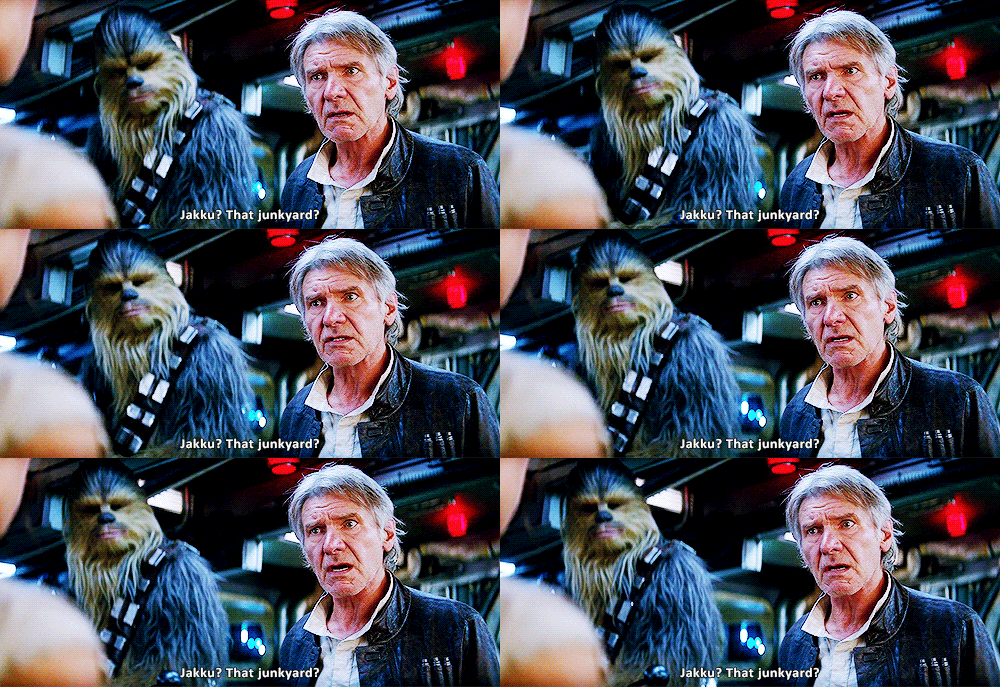 Pro tip: Don't have your event on Jakku. (Credit: Disney)[/caption]
 How most of us feel regarding food, lets be honest. (Credit: Buzzfeed)[/caption]
 Hit button, get party. (Credit: NBC)[/caption]
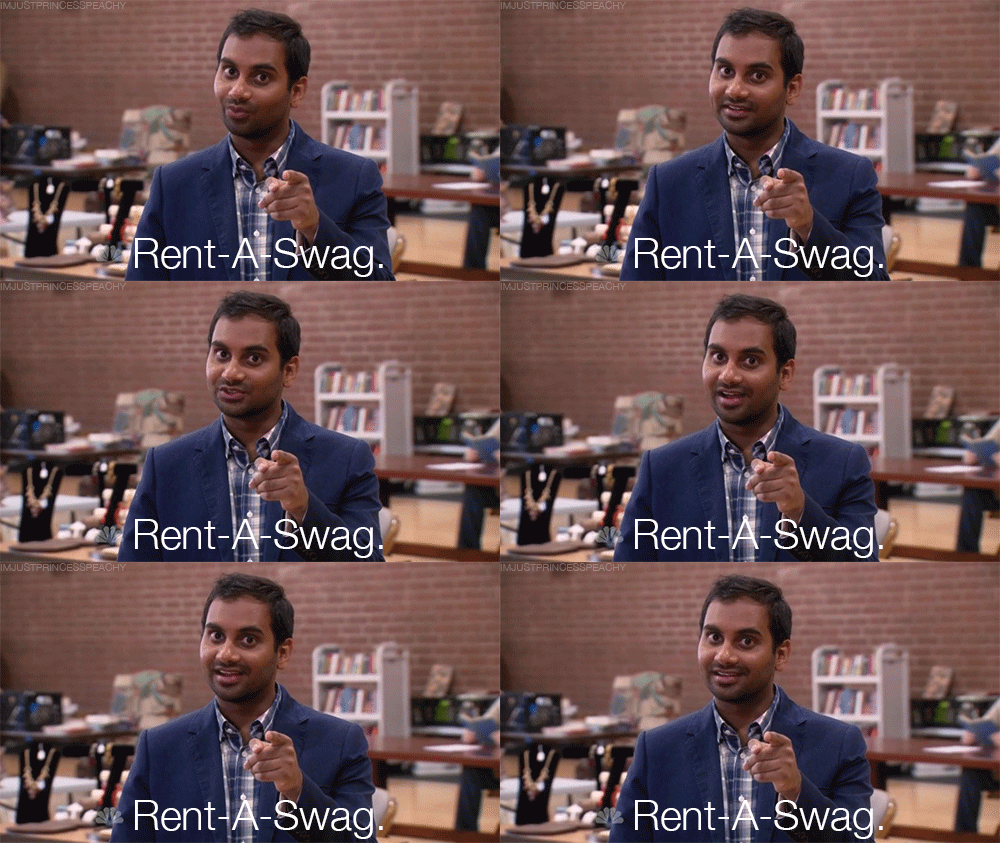 Rent all the swag you can! (Credit: NBC)[/caption]
 Perhaps don't go with this theme. Maybe. (Credit: Disney)[/caption]
 Entertainment and food will take a good portion of the budget. Everyone loves good tunes and good food and they make or break your event.[/caption]
This breakdown of your budget is a rough estimate. As mentioned previously, every event is going to be slightly different. Some events you may want to splash out more on rentals and electronics and in others you may need more for food or entertainment (or perhaps your venue has a lot of built ins and they save you a lot of money, who knows we can always dream). These are good parameters to start with when it otherwise feels overwhelming to start your budget. No matter how much money you are working with, your average percentages will be very close.
Don't let your next event budget overwhelm you, keep to this breakdown and you'll keep everything from spiralling out of control.
]]]]> ]]>
Entertainment and food will take a good portion of the budget. Everyone loves good tunes and good food and they make or break your event.[/caption]
This breakdown of your budget is a rough estimate. As mentioned previously, every event is going to be slightly different. Some events you may want to splash out more on rentals and electronics and in others you may need more for food or entertainment (or perhaps your venue has a lot of built ins and they save you a lot of money, who knows we can always dream). These are good parameters to start with when it otherwise feels overwhelming to start your budget. No matter how much money you are working with, your average percentages will be very close.
Don't let your next event budget overwhelm you, keep to this breakdown and you'll keep everything from spiralling out of control.
]]]]> ]]>